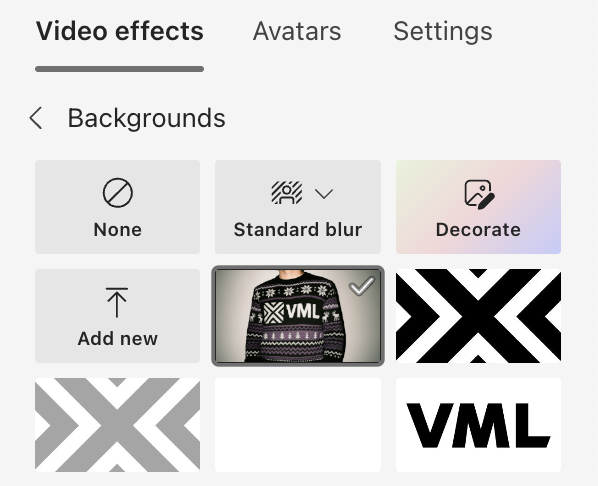
VML HAS A GIFT FOR YOU
GET YOUR KNIT SWEATER TEAMS BACKGROUND 🎅
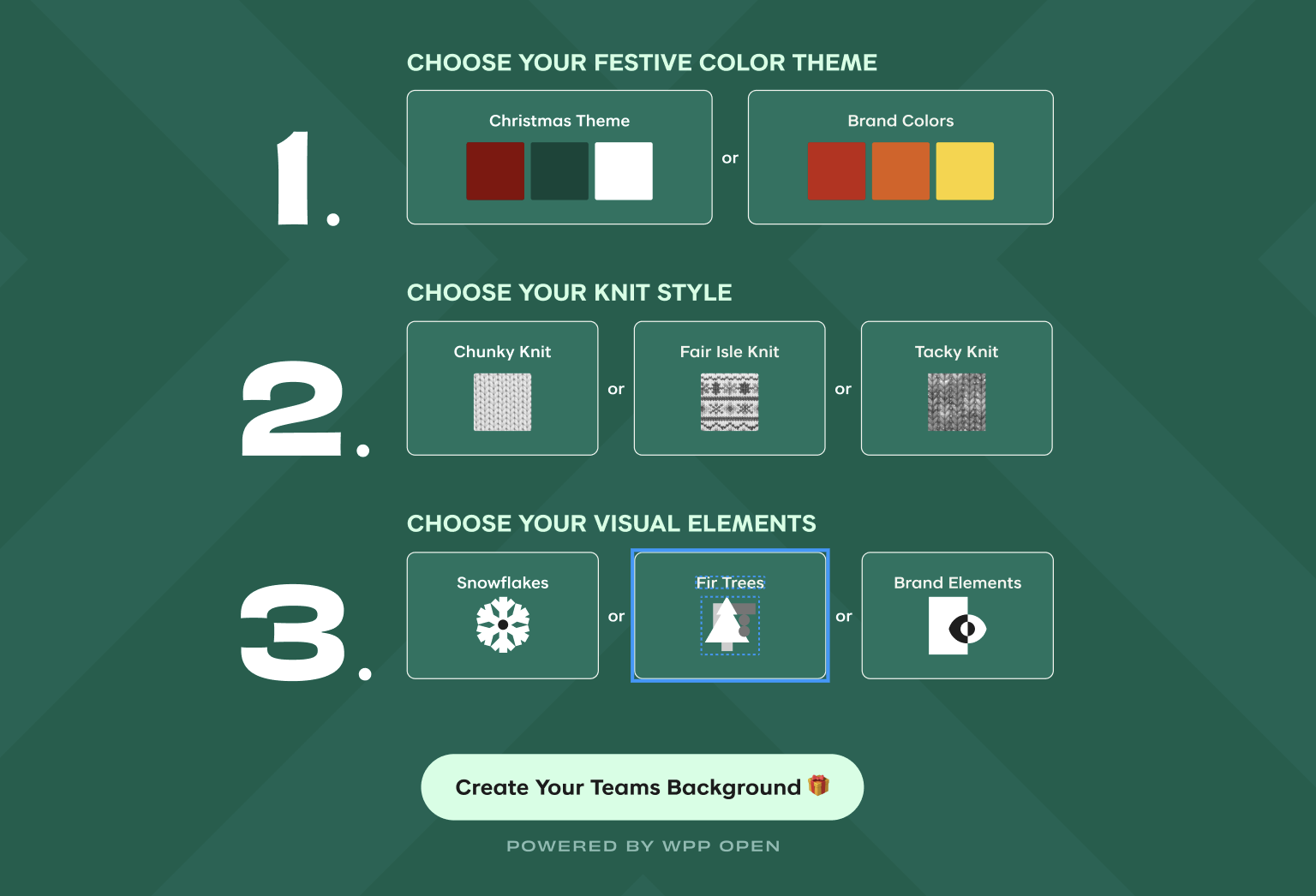
Just choose your personal style in the steps below to give your teams background a seasonal glow-up.
1.
Choose your festive color theme:
2.
Choose your visual elements:
Snowflakes

or
Fir Trees

or
Brand Elements

powered by WPP open
From Download to Ho Ho Ho
How to integrate the background images into MS Teams
Generate and download the xmas-sweater background
1.
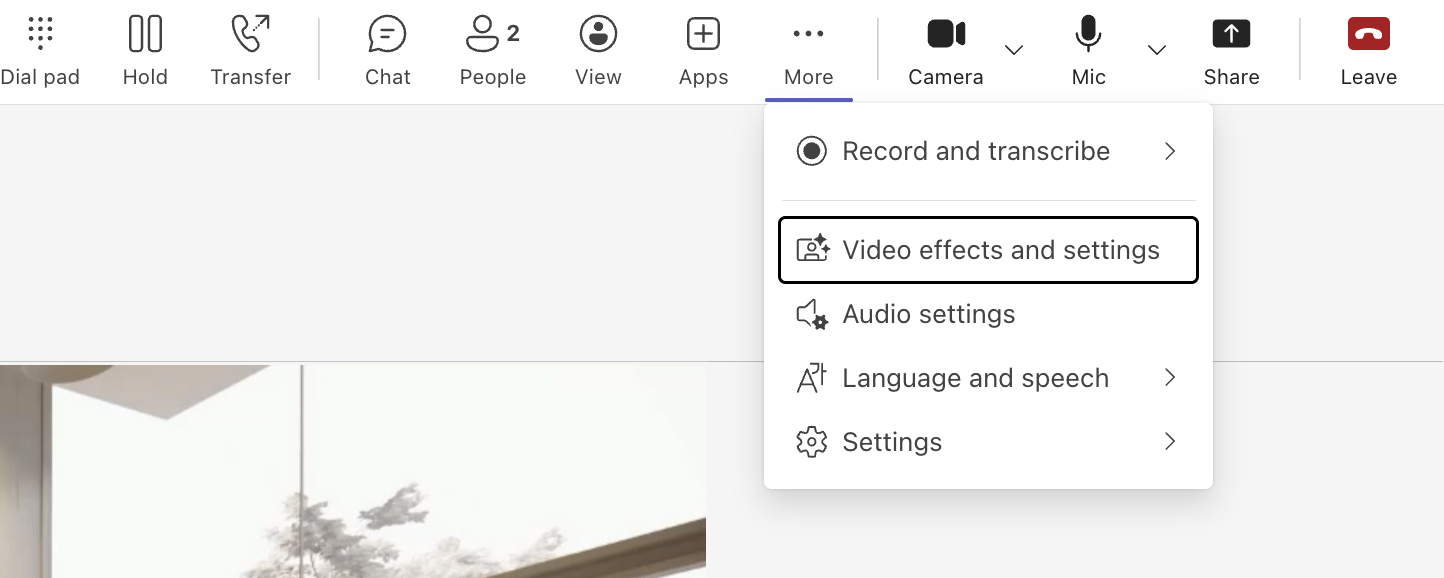
Open Microsoft Teams → Enter a Call → Video effects and settings
2.
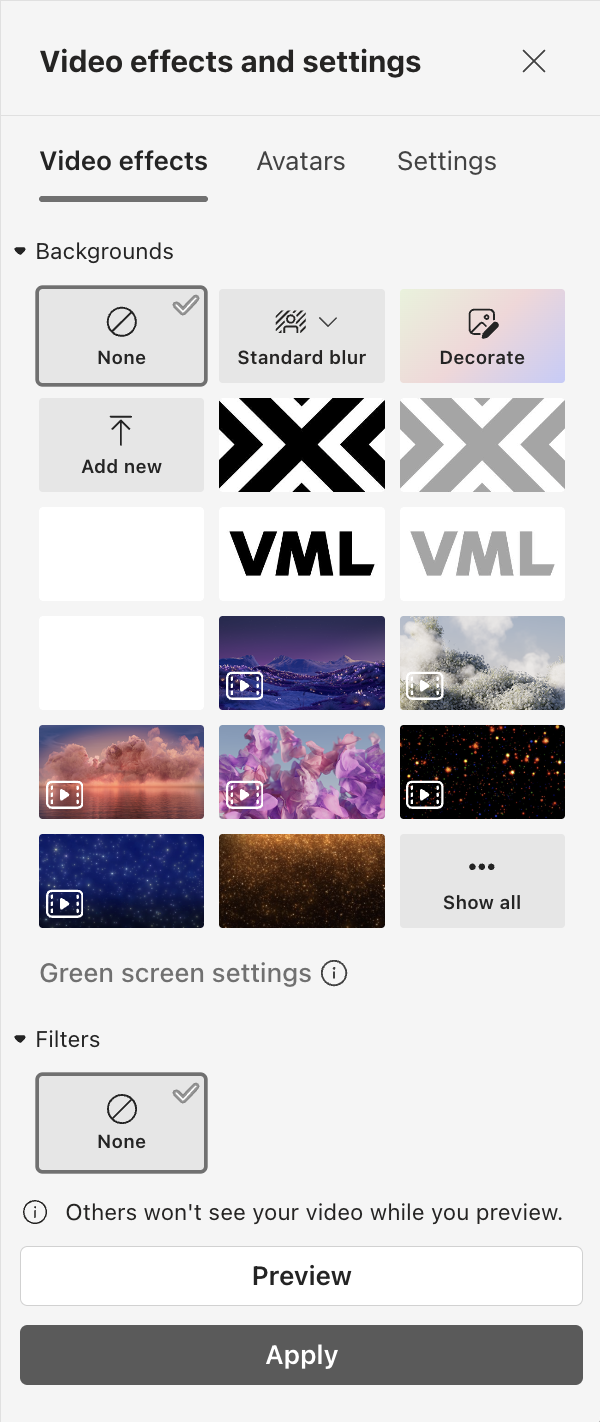
Inside Video effects and settings → Choose »Add new« → Upload image from Computer
3.
Select your custom xmas-sweater background → Click apply → Enjoy 🎅
4.